When to Go Headless with WordPress (And When NOT To)

Thinking about ripping out your WordPress frontend for React? Stop and read this first.
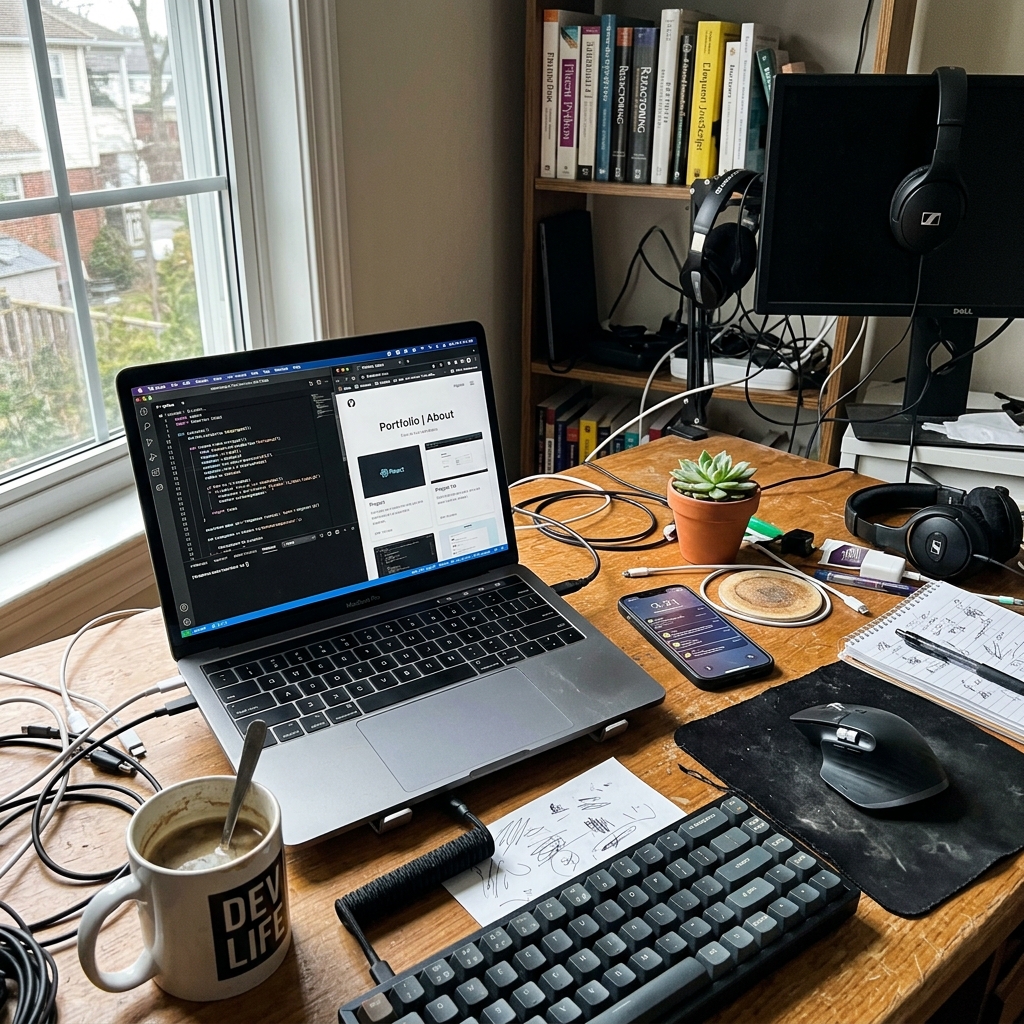
Everyone wants to go headless right now. I get it. The pitch is irresistible. Use WordPress as your content backend, slap a React or Next.js frontend on top, and suddenly you've got a blazing-fast JAMstack site with all the benefits of modern JavaScript tooling.
Sounds amazing on paper. And honestly, sometimes it is amazing. This very portfolio you're reading was built with Next.js for the frontend and PHP scripts handling the backend stuff. Works perfectly for my use case.
But I need to be honest with you. I would never, ever recommend this setup for a regular business website. And I've seen agencies try. The results are usually not pretty.
Why People Want It
Two words. Speed and security.
When you decouple the frontend from WordPress, your actual WordPress installation doesn't need to be publicly accessible anymore. You can stick it behind a firewall, on a completely separate server, or even run it locally. Hackers can't exploit your theme vulnerabilities if your theme doesn't exist on the public internet. That alone is a massive win for high-security environments.
And the developer experience is genuinely better. You get to work with Tailwind CSS, Framer Motion, React Server Components, and all the modern tooling that makes frontend development enjoyable. You're not fighting against legacy jQuery scripts from some plugin that hasn't been updated since 2018. You're not debugging why a theme's style.css is 14,000 lines long. You're writing clean, component-based code.
For a developer, it feels great.
What Nobody Warns You About
Here's where the dream starts to fall apart.
When you go headless, you lose the WordPress ecosystem. And that ecosystem is the entire reason most people chose WordPress in the first place.
Want a contact form? Gravity Forms doesn't just magically render in React. You have to build the form from scratch, handle validation on the client side, and wire up an API endpoint to submit the data. What would've taken 10 minutes with a plugin now takes you a full day.
Want SEO management? Yoast SEO can still generate meta tags on the WordPress side, but they don't automatically appear in your Next.js document head. You have to fetch them via the REST API or WPGraphQL, parse the response, and manually inject them into your frontend's meta components. And if Yoast changes their API structure in an update, your SEO integration breaks silently.
Want a multilingual site? Good luck wiring up WPML or Polylang through API calls.
Basically, every single convenience feature that makes WordPress "easy" disappears. You're rebuilding everything from scratch. I watched an agency spend three months recreating what their old WordPress theme did out of the box. Three months. For a brochure site.
When It Actually Makes Sense
I'm not anti-headless. I'm anti-headless-for-the-wrong-reasons. There are specific situations where decoupled architecture is genuinely the right call:
You're building a web application, not a brochure site. If your frontend has complex state management, real-time features, or heavy user interaction, a traditional WordPress theme is going to fight you every step of the way. Headless shines here.
You have dedicated frontend engineers. If your team has React developers who know how to build and maintain a production frontend, great. If your "team" is one WordPress developer who watched a Next.js tutorial last weekend, you're going to have a bad time.
Security requirements are extreme. Government projects, financial platforms, healthcare portals. Situations where the WordPress admin should genuinely be invisible to the public internet.
You're pulling content from multiple sources. If your frontend aggregates data from WordPress, a CRM, an inventory system, and a third-party API, a headless approach lets you unify all of that in one clean frontend layer.
If none of those describe your project? Stick to a traditional WordPress setup. Grab a solid lightweight theme like GeneratePress or Kadence, set up proper caching (page caching and object caching), and call it a day. You'll save yourself hundreds of hours and your clients will never know the difference.
The best architecture is the one you can actually maintain.
Working on a WordPress project?
Let's talk about what you're building.
I'm available for custom plugin development, performance optimization, and headless WordPress projects.